Get started with SmartPAL
Open SmartPAL from Canvas in your browser — no install required. Add the mobile app if you want course help on the go.
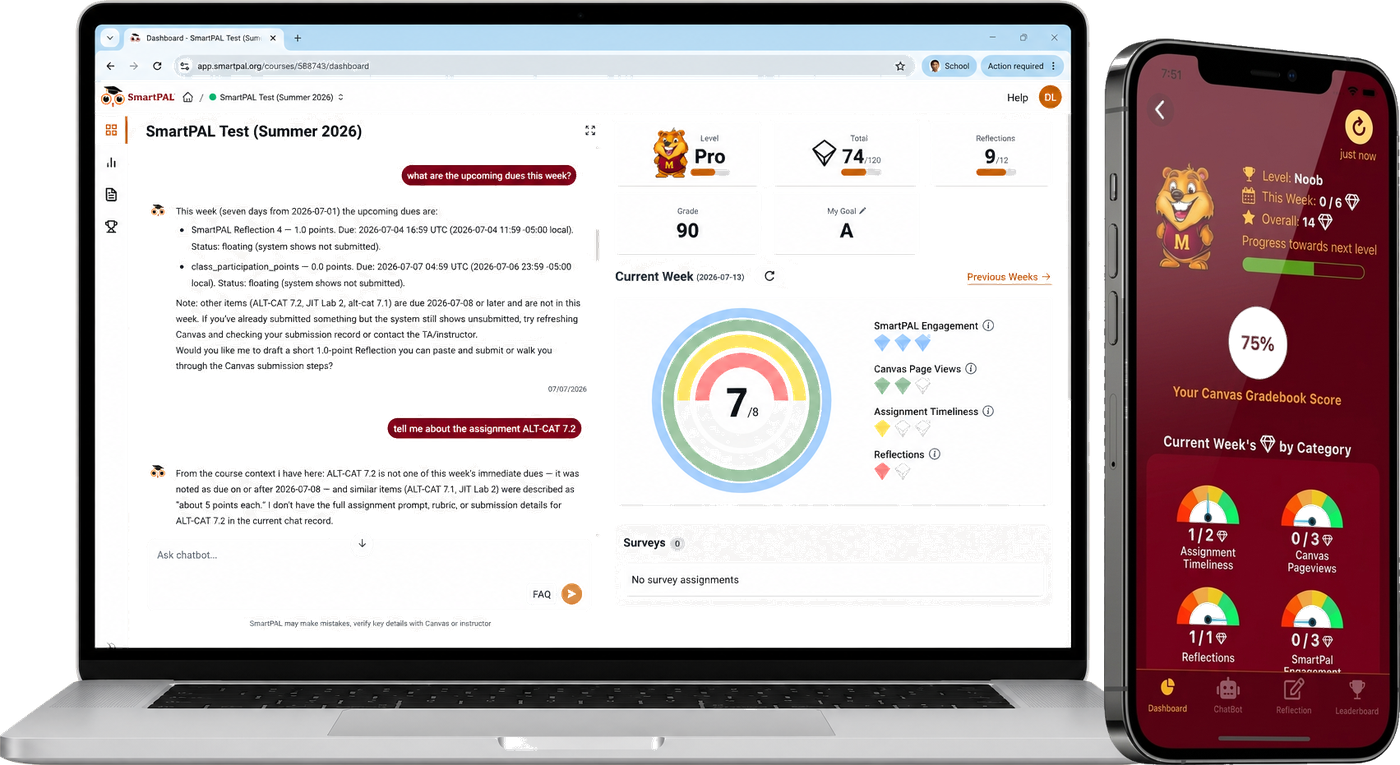
In Canvas
This is how most students use SmartPAL — inside the course, with the same login you already use for Canvas.
- Open your course in Canvas.
- Click SmartPAL in the course navigation menu.
- Sign in with your campus credentials if prompted.
No separate SmartPAL account or download is required for the web app.
On your phone (optional)
Prefer your phone? Download the SmartPAL app and sign in with the same Canvas account.


Need help?
If SmartPAL says you do not have a course, or something else does not look right, see the student FAQ or email contact@smartpal.org.
Learn more for students