Help that knows your course — not the whole internet.
24/7 answers grounded in your syllabus, deadlines, and materials. Track progress and stay on top of what is due.
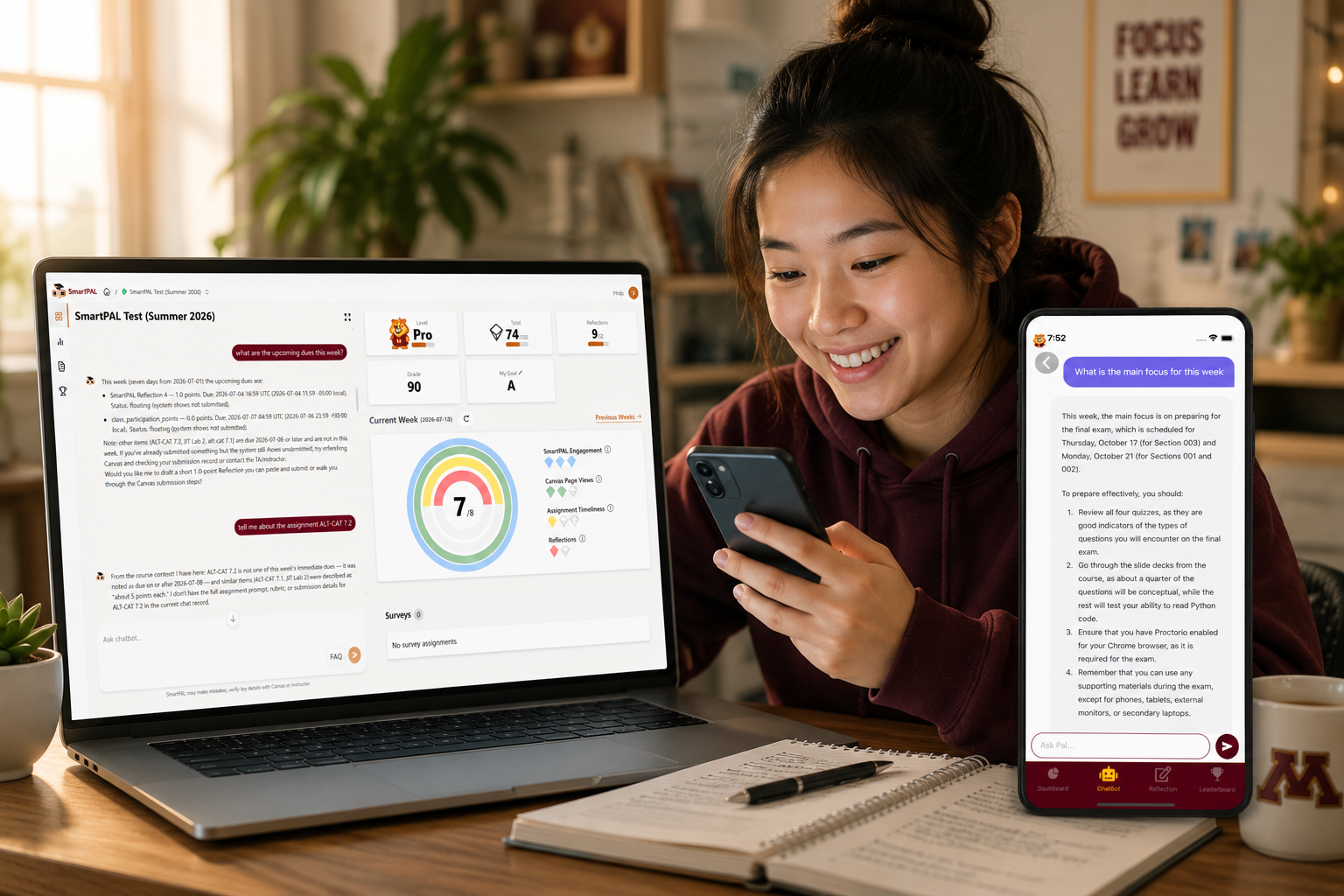
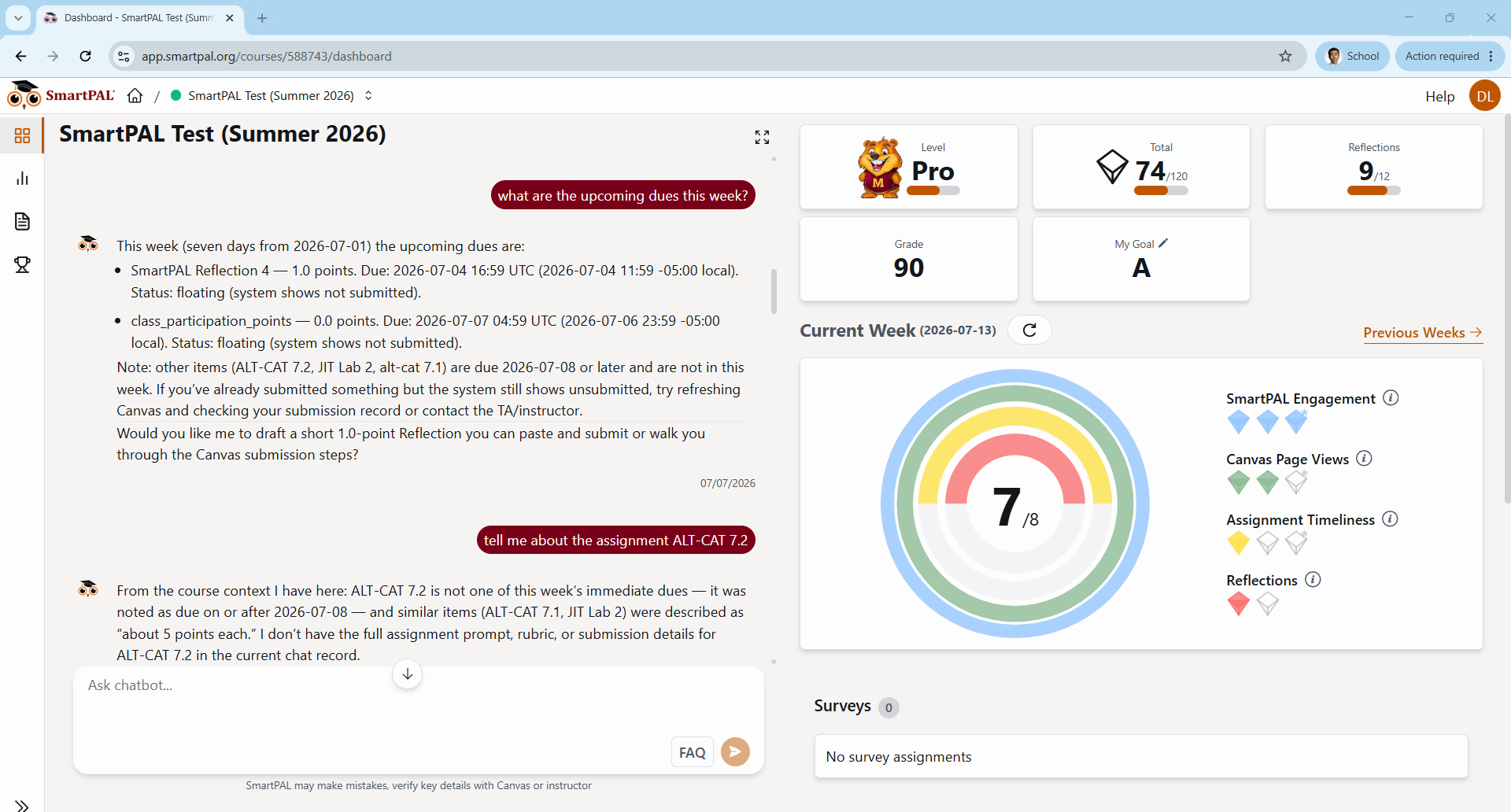
Not a generic chatbot
A course-aware companion grounded in your syllabus, documents, deadlines, and announcements — not the open web. Ask about your coursework and get answers tied to what you are actually learning.
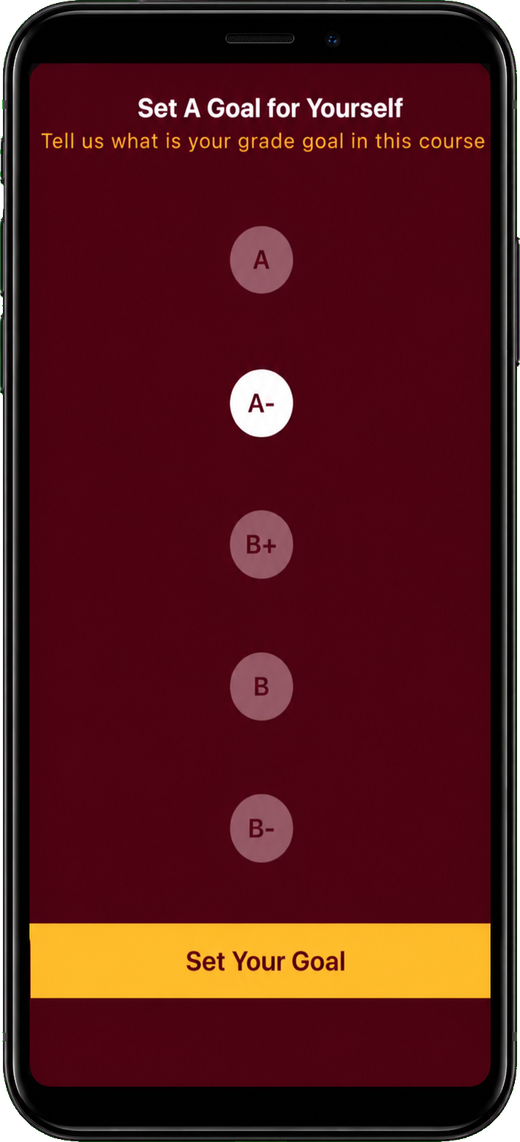
Stay on track without the stress
See what is due, how you are progressing toward your grade goal, and where to focus next. SmartPAL keeps you organized and motivated — without another spreadsheet to maintain.
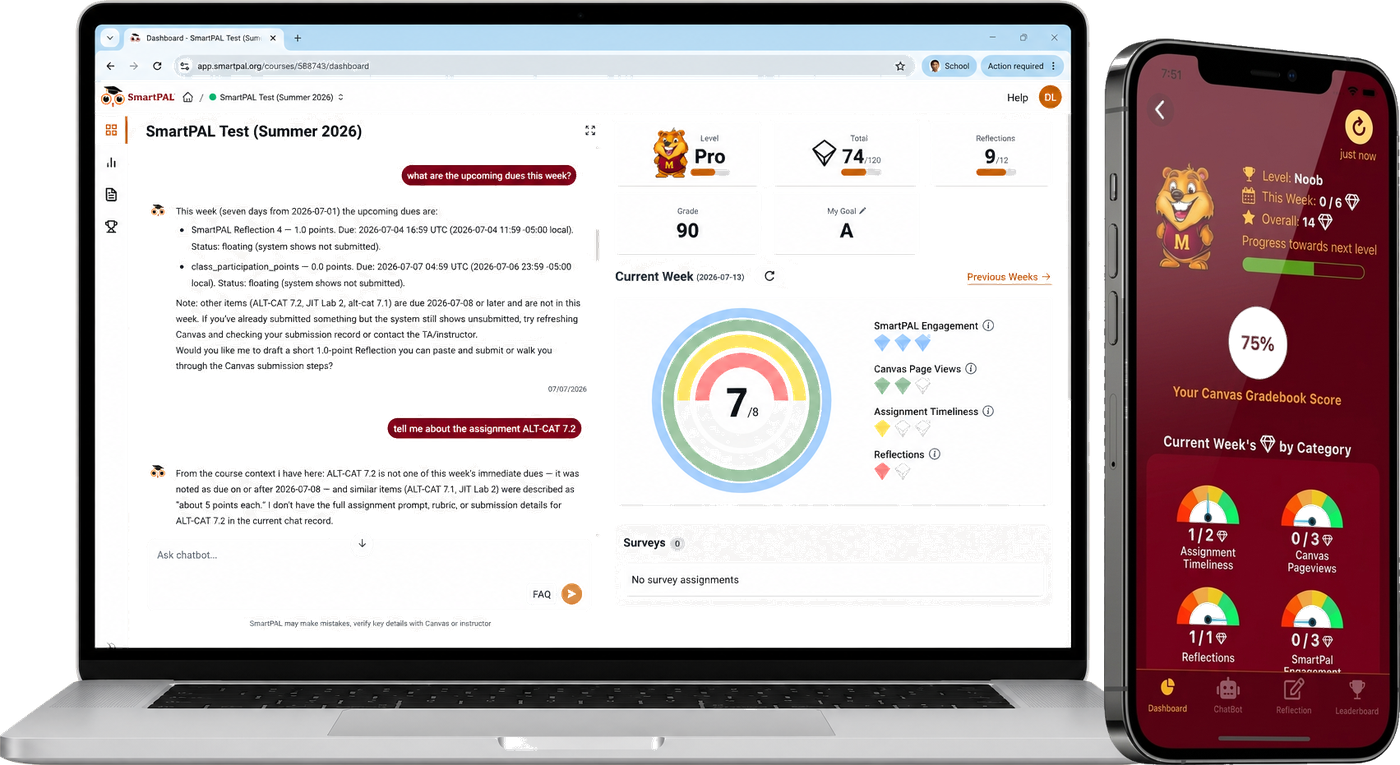
In Canvas and on your phone
Open SmartPAL from Canvas or download the app for iOS and Android. Get help late at night, between classes, or on the go — whenever a question comes up.
Open SmartPAL in your course
Use Canvas in your browser — no install required. Add the mobile app if you want course help on the go.
In Canvas
This is how most students use SmartPAL — inside the course, with the same login you already use for Canvas.
- Open your course in Canvas.
- Click SmartPAL in the course navigation menu.
- Sign in with your campus credentials if prompted.
No separate SmartPAL account or download is required for the web app.
On your phone (optional)
Prefer your phone? Download the SmartPAL app and sign in with the same Canvas account.


Need help?
If SmartPAL says you do not have a course, or something else does not look right, see the student FAQ below or email contact@smartpal.org.
Built for how you actually study
“Focuses on my class content instead of being broad like other chatbots.”
“Love the dashboard trackers and the charts that show my metrics.”
“I like the avatars that you can level up to and how easy it was to track what I had due each week.”

Using SmartPAL in your course
Access, cost, how SmartPAL differs from generic AI, privacy, academic integrity, and what to do if something looks wrong.
Get in Touch with Us
Send us a message using the form, or email contact@smartpal.org. Visit About us for our team and location.